User Preferences
The User Preferences page lets you customize the portal to your liking and manage your organization membership. To access it, click your user avatar in the top-right corner of the management portal and select Profile from the menu. The Profile section has two pages in the sidebar: General and Organization.
General Page
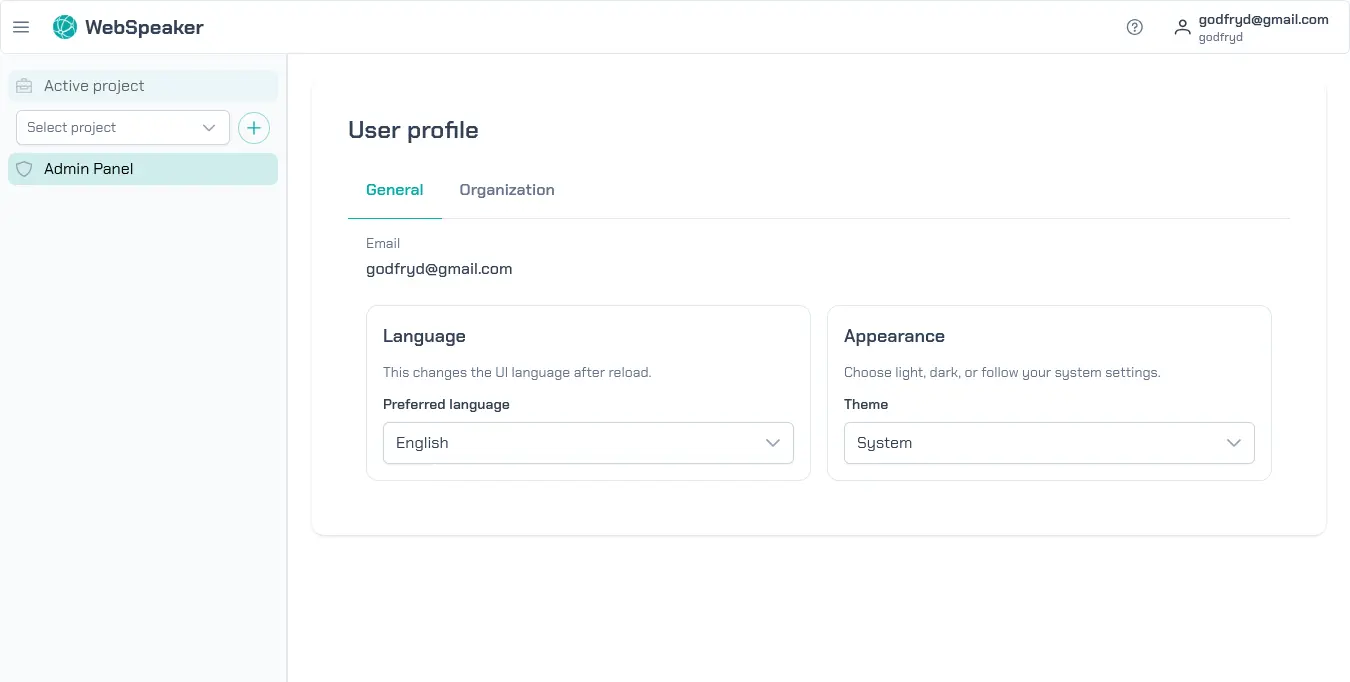
Language
Choose the language for the portal interface. The available options are English and Polish. After changing the language, the page reloads to apply the new setting.
Theme
Select the appearance mode for the portal. You can choose between Light, Dark, or System. The System option follows your operating system’s preference and adjusts automatically when your system switches between light and dark mode.
Organization Page
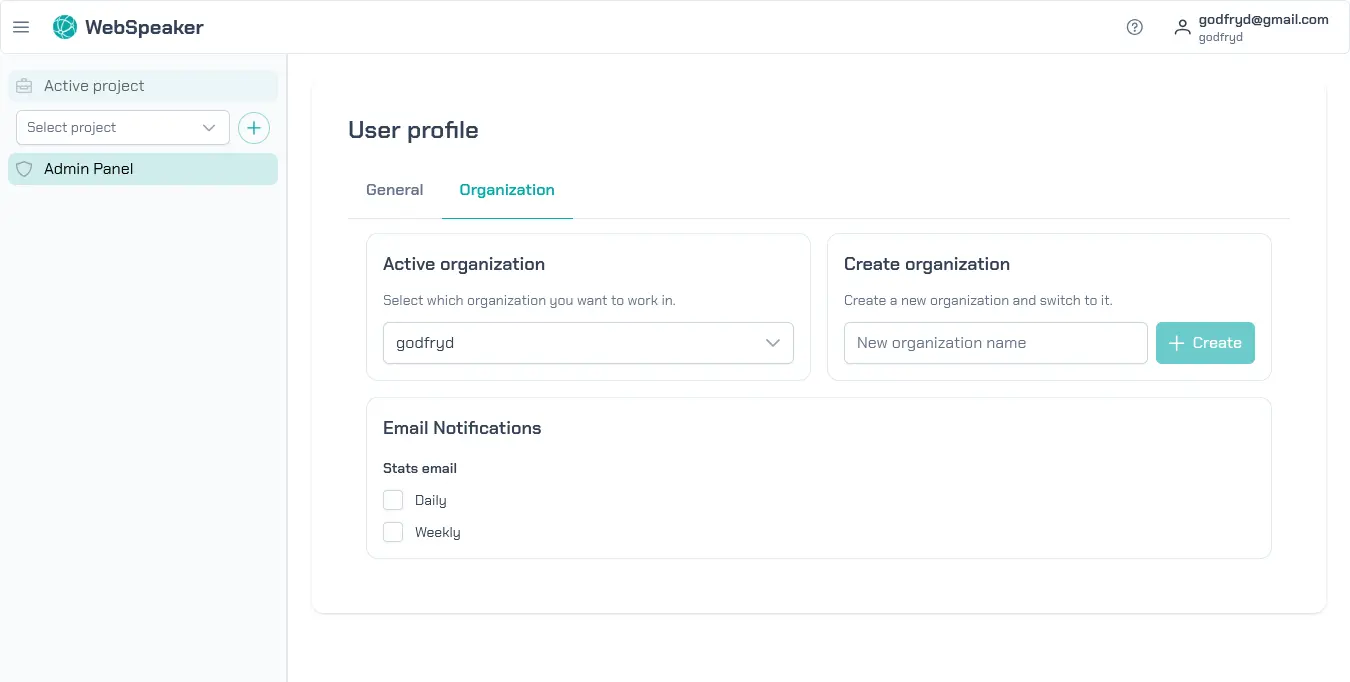
Active Organization
If you belong to multiple organizations, use this dropdown to switch between them. The selected organization determines which projects, members, and settings are visible throughout the portal.
Create Organization
You can create a new organization directly from this tab. Enter a name for the organization and confirm. After creation, the new organization becomes active automatically.
Email Notifications
WebSpeaker can send periodic statistics reports to the email address associated with your account. You can enable two types of reports independently:
- Daily — a summary of the previous day’s activity across your projects.
- Weekly — a broader summary covering the entire week. When enabled, you can choose which day of the week the report is delivered.
Notification settings are per user and per organization, so each team member can configure them independently.