Pricing, billing, and plan management are now live in WebSpeaker
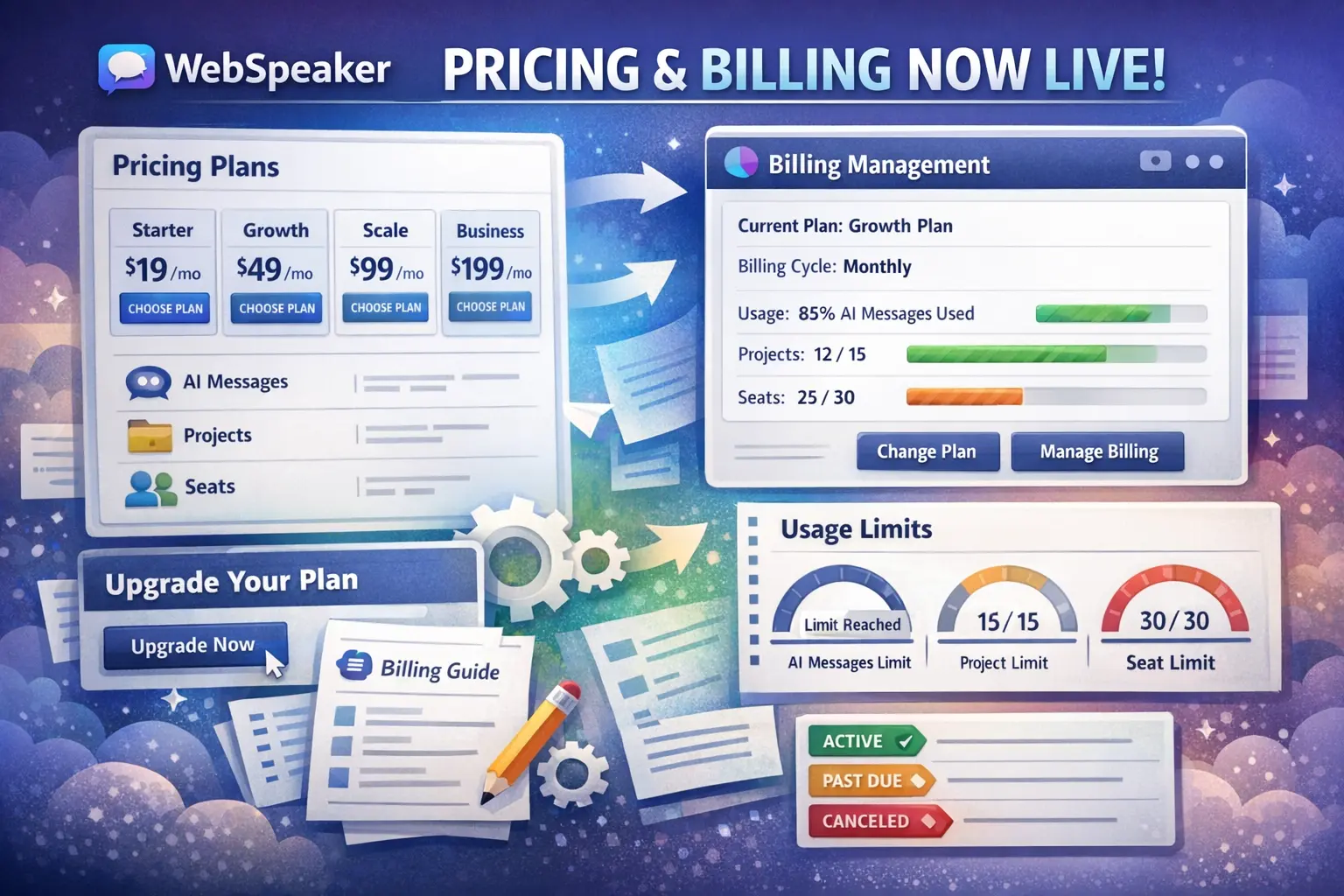
WebSpeaker now includes a full pricing and billing flow for regular organization users. That means three important changes are now live at the same time: a public pricing page, billing management inside the product, and visible plan limits that affect day-to-day usage.
This update makes it much easier to understand which plan fits your team, where billing is managed, and what happens when your organization reaches the limits of the current subscription.
A public pricing page is now available
The website now includes a dedicated pricing page with monthly and yearly options for all available plans: Free, Starter, Growth, and Scale.
The pricing page shows:
- the monthly and yearly price for each plan,
- included AI message capacity,
- project limits,
- pages per project limits,
- seat limits,
- and the main capabilities each plan is designed for.
This gives teams a clearer way to compare plans before choosing one.
Billing is now available in Organization -> Billing
Inside the management portal, organization owners can now open Organization -> Billing to manage the subscription directly.
The Billing screen shows:
- the current plan,
- the billing interval,
- the current subscription status,
- usage in the current billing period,
- and organization-wide limits for messages, projects, and seats.
From this view, the owner can start a paid plan, change plans, open the billing portal, and refresh billing status after checkout or subscription changes.
You can now choose and change plans directly
If an organization is on the free plan, the owner can choose a paid plan from the Billing tab and complete checkout through the hosted billing flow.
If the organization already has a subscription, the Billing tab can also be used to switch to another plan. This makes plan changes visible and manageable in one place instead of relying on manual back-and-forth.
Limits are now visible and meaningful
This release also makes plan limits visible in the product and meaningful in everyday usage.
Limits now apply organization-wide to:
- AI messages in the current billing period,
- the number of projects in the organization,
- the number of pages that can be indexed per project,
- and the number of seats available for members.
In practice, this means:
- if your organization reaches the AI message limit, users may stop getting generated AI answers until the next billing period or a higher plan,
- if your organization reaches the project limit, creating additional projects can be blocked,
- if your organization reaches the pages per project limit, indexing additional website pages can be blocked,
- if your organization reaches the seat limit, inviting more members can be blocked.
The Billing tab is now the main place to understand these limits before they interrupt work.
Subscription states are easier to understand
The Billing screen can now show states such as:
- Active,
- Cancels at period end,
- Past due,
- Paused,
- and Canceled.
These statuses help explain whether the plan is still active, whether access will end soon, or whether the organization needs action in the billing portal.
Where to find the documentation
We also added end-user documentation for the new billing flow.
If you want the practical step-by-step version, start here:
Related guides are also available here:
Together, these guides explain where billing lives, who can manage it, how plans work, and how limits affect your organization.
What this changes for teams using WebSpeaker
This release makes WebSpeaker easier to understand operationally. Pricing is visible before purchase, billing is accessible inside the product, and plan limits are no longer hidden system behavior.
Teams can now see what plan they are on, how much capacity they are using, what happens when they reach the limit, and where to go when they need to upgrade or update billing details.