WebSpeaker Product Update: January 2026
Product update: January 2026
This is a retrospective summary of what we implemented during January 2026.
Organizations
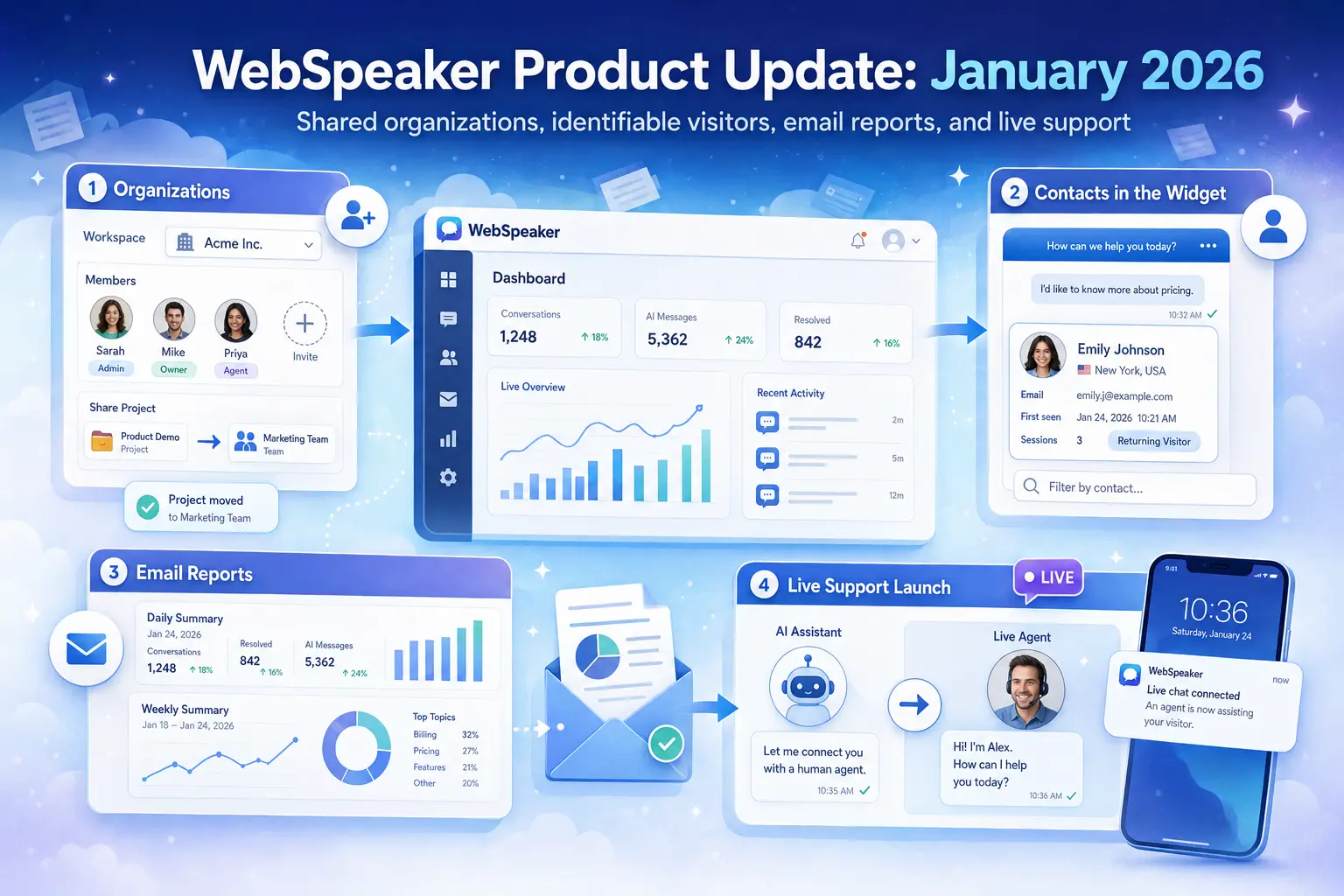
Before this update, every project lived under a single account, so teams had no shared workspace to collaborate in. We added a full organizations layer: an orgs page, the ability to invite users, a member list with removal support, and a quick org switcher for moving between workspaces without losing context. You can also move projects between organizations as team structures change. The result is a real team account model, where colleagues share the same projects instead of passing around one login.
Contacts in the widget
Conversations in the widget used to be anonymous, which made it hard to follow up with the right person after a chat ended. We added visitor contact collection directly in the widget, together with automatic country detection, so you can see who you are talking to and roughly where they are chatting from. Conversations can now be filtered by contact, so support and sales teams can quickly find every exchange with a specific visitor. Knowing who is asking and where from turns a chat log into a usable lead and support record.
Email reports
Until now, checking on activity meant opening the app and digging through dashboards, which left no proactive visibility into how a project was doing. We introduced daily and weekly stats emails, with a per-user preference to choose none, daily, or weekly delivery. Each report summarizes recent activity so you can stay informed without logging in. It is a small change that keeps busy teams in the loop with almost no extra effort.
Live support launch
The AI assistant could answer questions well, but it had no way to hand a conversation off to a real person when a visitor needed one. In January we launched live support: a human agent experience inside the same chat widget, a dedicated mobile app for support staff, and push notifications through FCM whenever a new session starts. That means visitors get a real person exactly when the AI reaches its limits, and your team never misses a session because someone was away from their desk. Read more about setting it up in the live support documentation.
Together, these four changes move WebSpeaker from a single-user tool into a platform built for teams: shared organizations, identifiable visitors, proactive reporting, and a human safety net behind the AI. We will keep sharing what we build, month by month.